Notes and Activities
Notes
Overview #
Notes track all interactions with contacts—calls, emails, meetings, tasks, and observations—creating a complete activity timeline for each relationship.
Note Types #
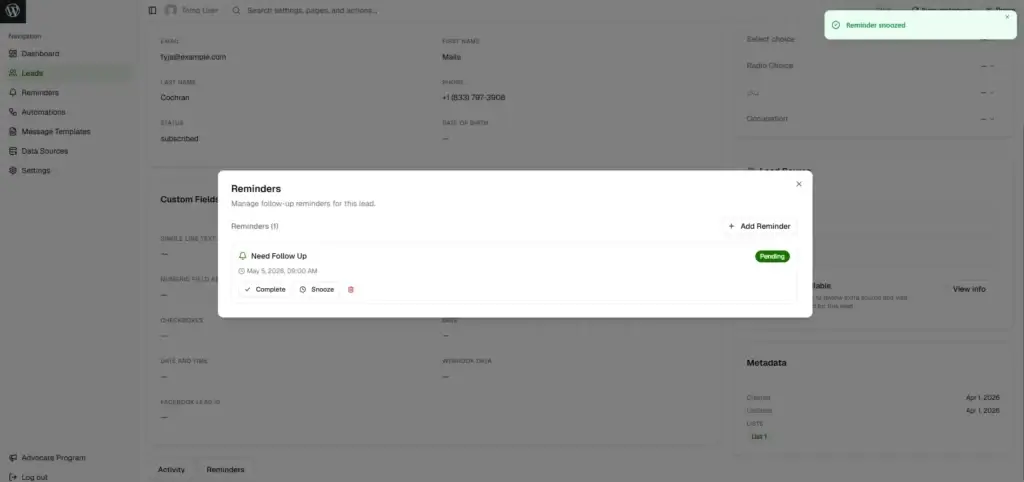
- 📞 Call: Phone conversations
- 📧 Email: Email correspondence
- 🤝 Meeting: In-person or video meetings
- ✅ Task: To-do items and action items
- 📝 Note: General notes and observations
Note Structure
- Title (optional): Short summary
- Description (required): Detailed content
- Type (required): Call, Email, Meeting, Task, or Note
- Created By/At (auto): User and timestamp
Creating Notes #
WordPress Admin:
- Open contact → Notes section → Add Note
- Select type, add title/description → Save Note
Mobile App:
- Open contact → Notes tab → + button → Fill details → Save
Viewing & Managing Notes #
Contact Timeline
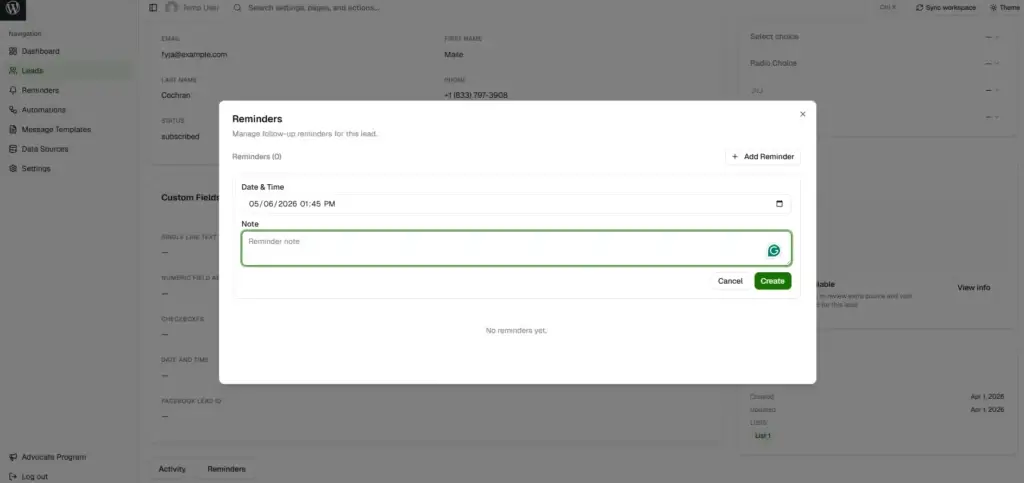
Notes display chronologically (most recent first) with icons, creator info, and quick actions (edit/delete).
Editing Notes
- Admin: Find note → Edit icon → Update → Save
- Mobile: Notes tab → Tap note → Edit → Save
Deleting Notes
- Admin: Find note → Delete icon → Confirm
- Mobile: Swipe left → Delete → Confirm
Note Permissions #
| Action | Who Can Perform |
|---|---|
| Create | Super Admin, or users with “notes” create permission (on viewable contacts) |
| View | Anyone who can view the contact |
| Edit | Super Admin, note creator, or users with “notes” update permission |
| Delete | Super Admin, note creator, or users with “notes” delete permission |
Configuration: Role Manager → Entity Permissions → Notes
Best Practices #
Writing Effective Notes
- ✅ Be specific: “Discussed Enterprise plan at $10k/year” vs “Discussed pricing”
- ✅ Include action items: What was decided, next steps, who’s responsible
- ✅ Add context: Why, outcome, concerns/objections
- ✅ Use consistent format: Team-wide template (e.g., “Summary | Action Items | Next Steps”)
Timing & Organization
- ✅ Create immediately: Right after interaction while fresh
- ✅ Backdate when needed: Add past events with correct dates
- ✅ Use appropriate types: Match note type to interaction
- ✅ Keep focused: One note per interaction
Common Use Cases #
Sales Pipeline Example
1. Note: "Inbound Lead - Interested in Enterprise, 50 employees, $10k budget"
2. Call: "Discovery Call - Pain points: manual data entry, need Salesforce integration"
3. Email: "Proposal Sent - $10k/year, includes integration, 2-week implementation"
Support Example
1. Note: "Login Issue - Password reset failing, Error: 'Invalid token', Priority: High"
2. Call: "Troubleshooting - Browser cache issue, cleared cache, resolved"
3. Email: "Follow-up - Summary + prevention tips + help docs link"
Mobile App Features #
- Full CRUD operations (create, read, update, delete)
- Filter by type, offline support with sync
- Voice-to-text, quick templates, swipe actions
Notes vs Reminders #
| Purpose | |
|---|---|
| Notes | Record past interactions (what happened) |
| Reminders | Schedule future actions (what needs to happen) |
Troubleshooting #
- Can’t create notes: Check role permissions (notes create) and contact view access
- Can’t edit note: Verify you created it or have notes update permission
- Notes not showing: Check filters, refresh page, verify not deleted


