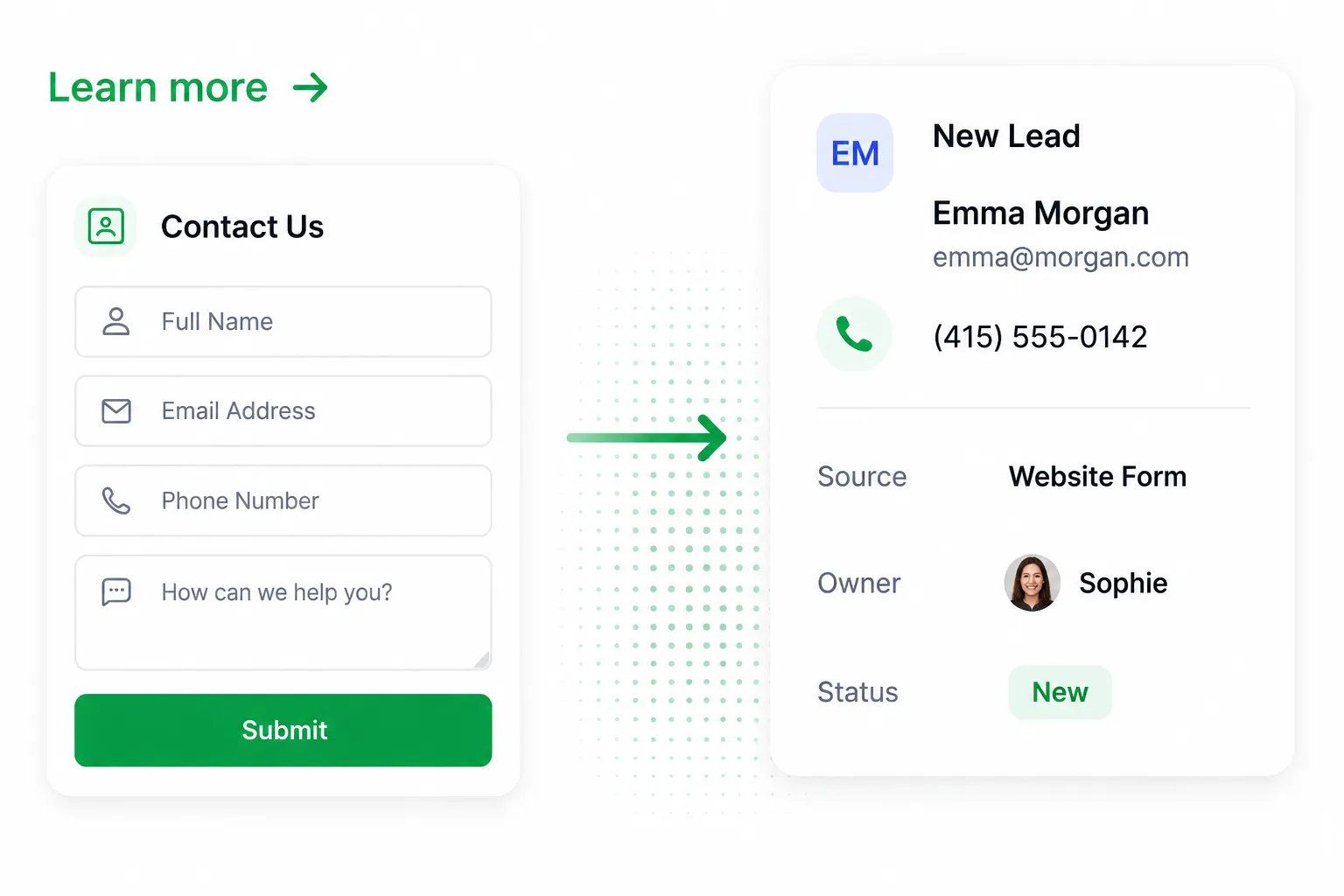




Get your first source live in minutes.
- 3-minute onboarding process
- Guided source connection
- Simple field mapping
- Start receiving leads quickly
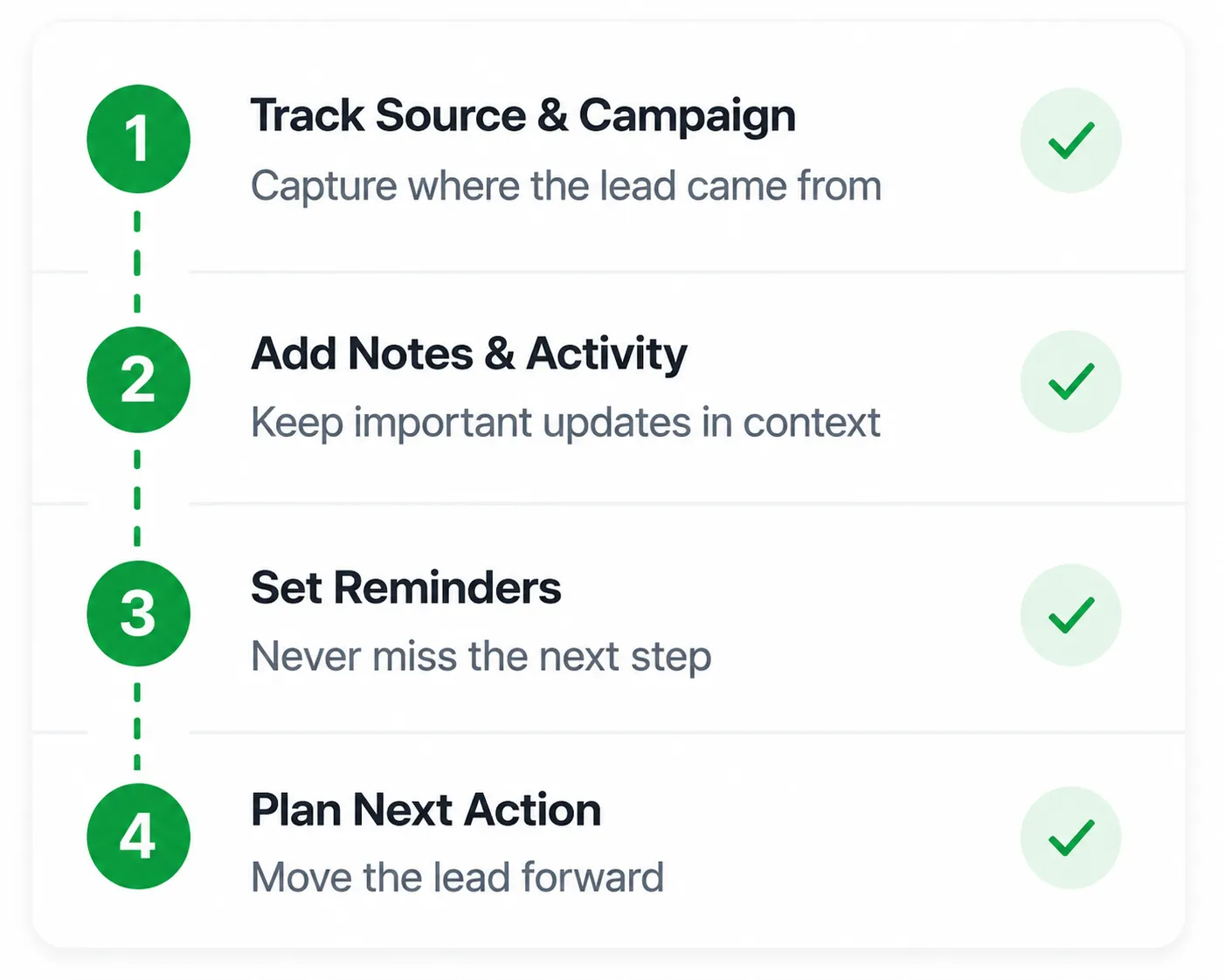
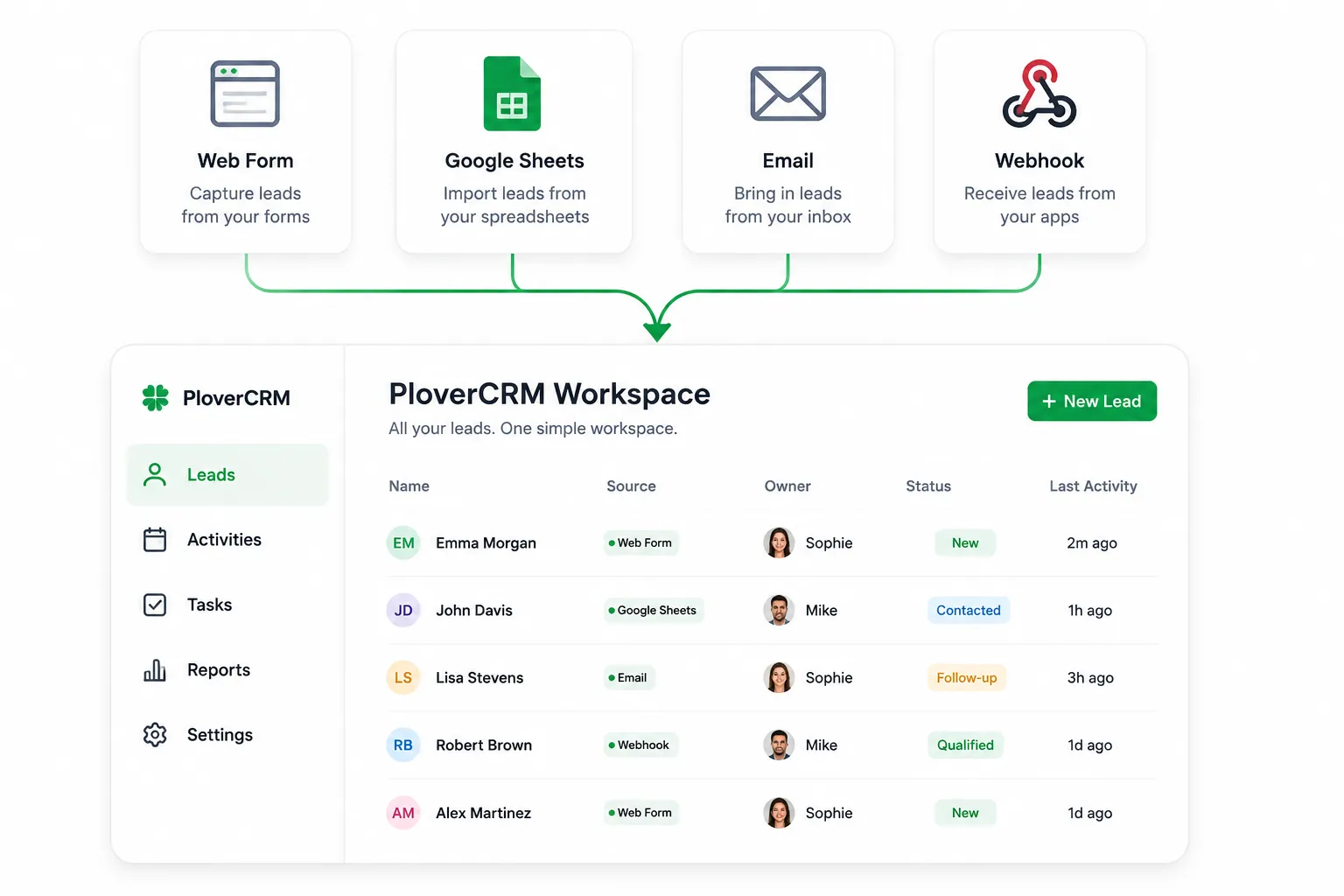
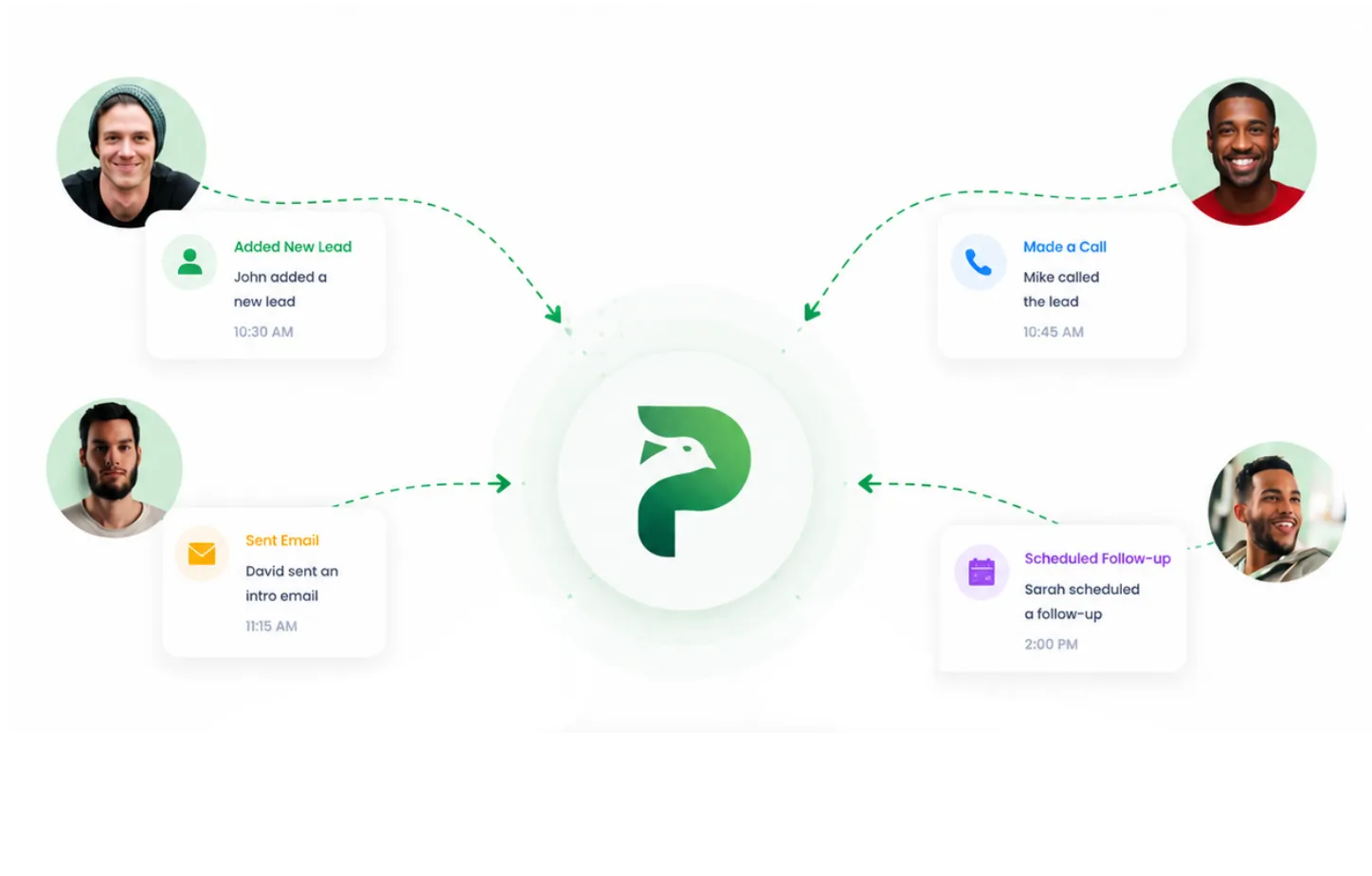
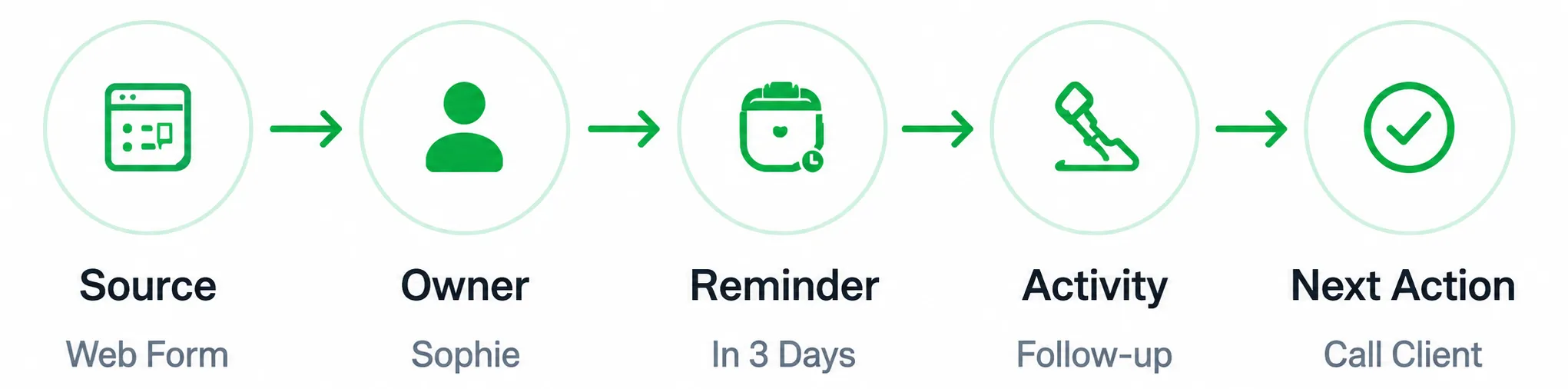
Every form submission, ad lead, and webhook becomes a follow-up-ready CRM record with source, history, reminders, and next steps.
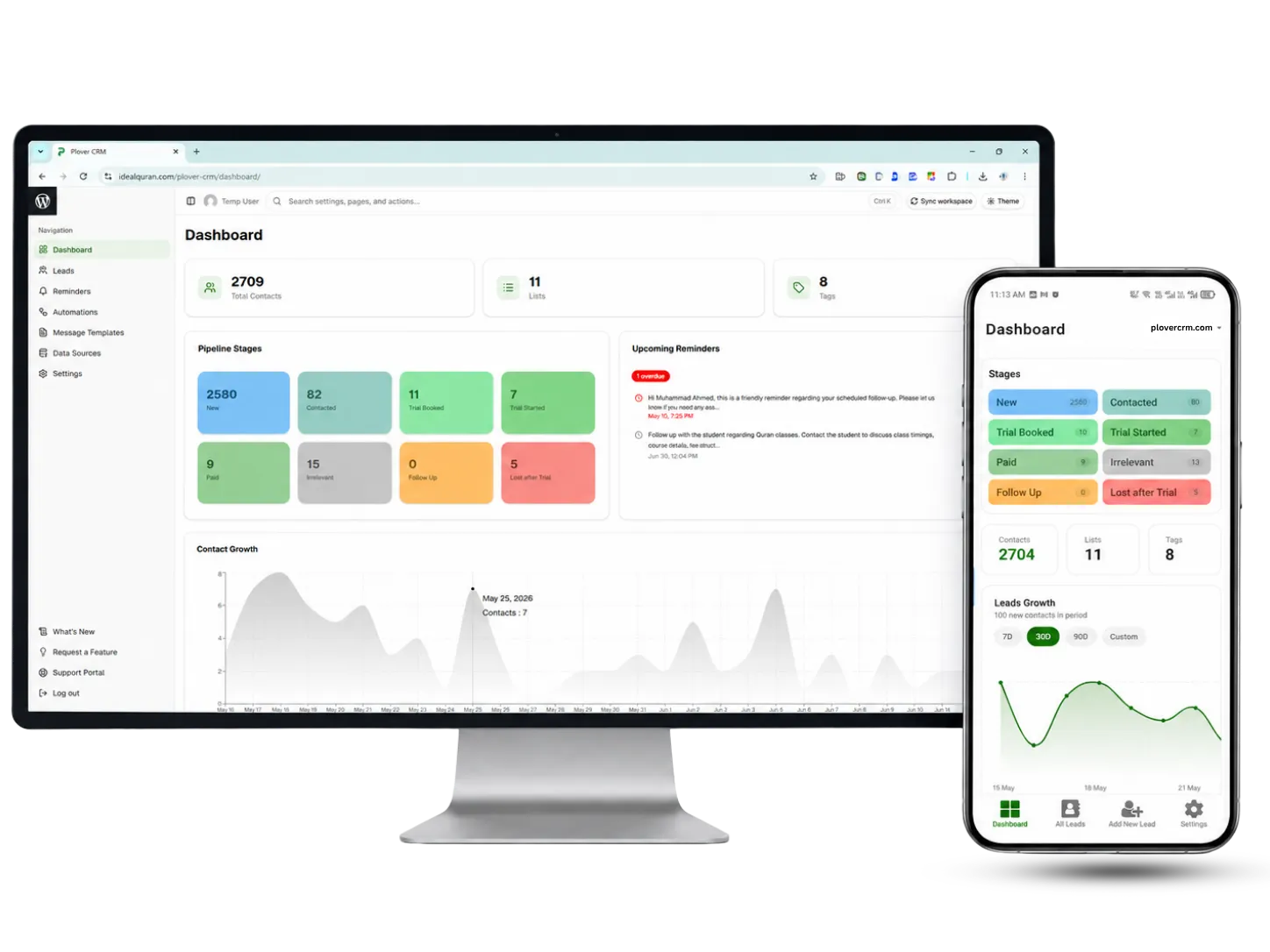
PloverCRM connects forms, enrichment, dashboard visibility, and conversion feedback into one WordPress-first lead workspace.

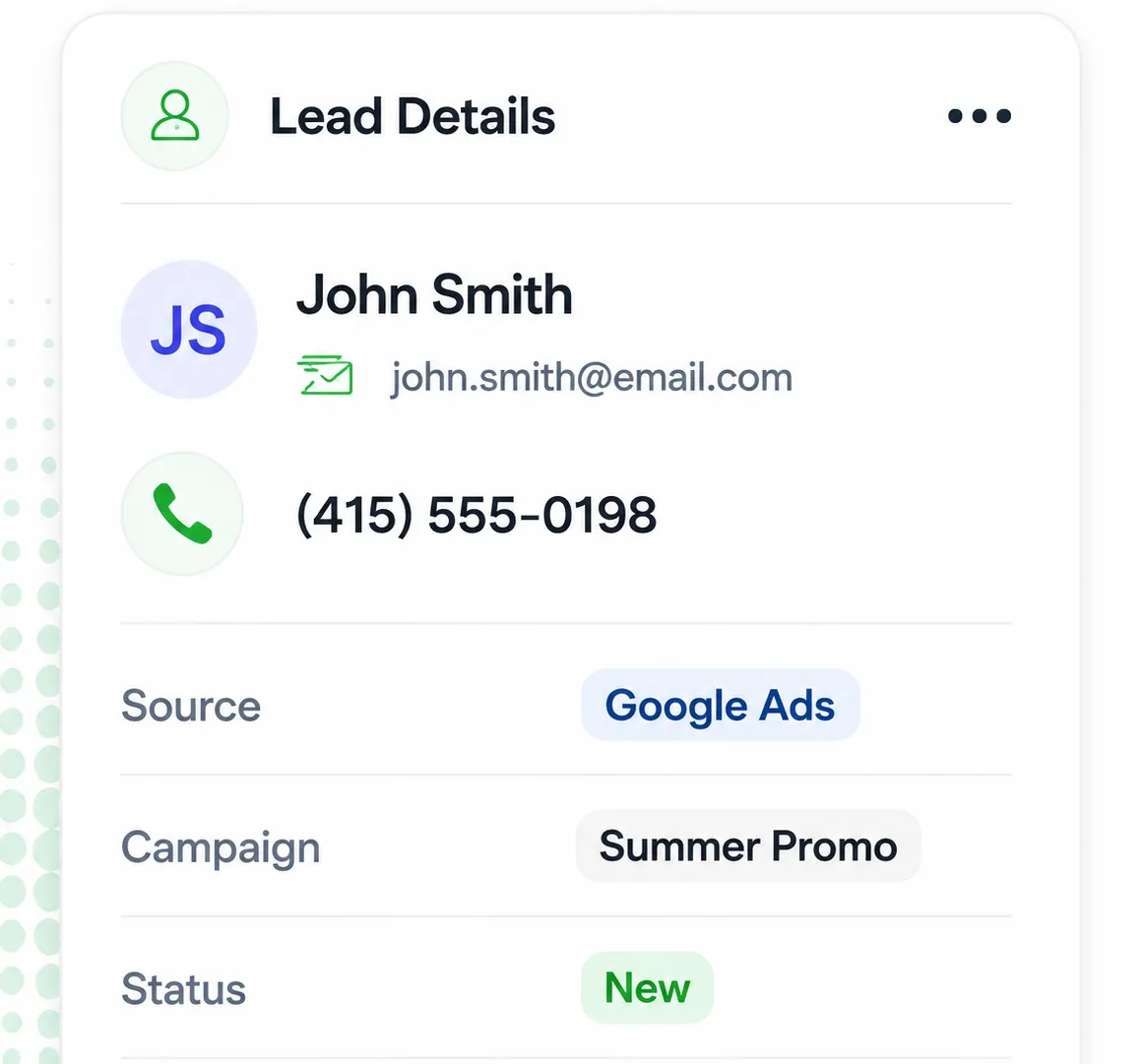
PloverCRM adds useful context to each lead, including source, campaign, landing page, device, location, and referral details, so your team can understand where the lead came from before follow-up begins.

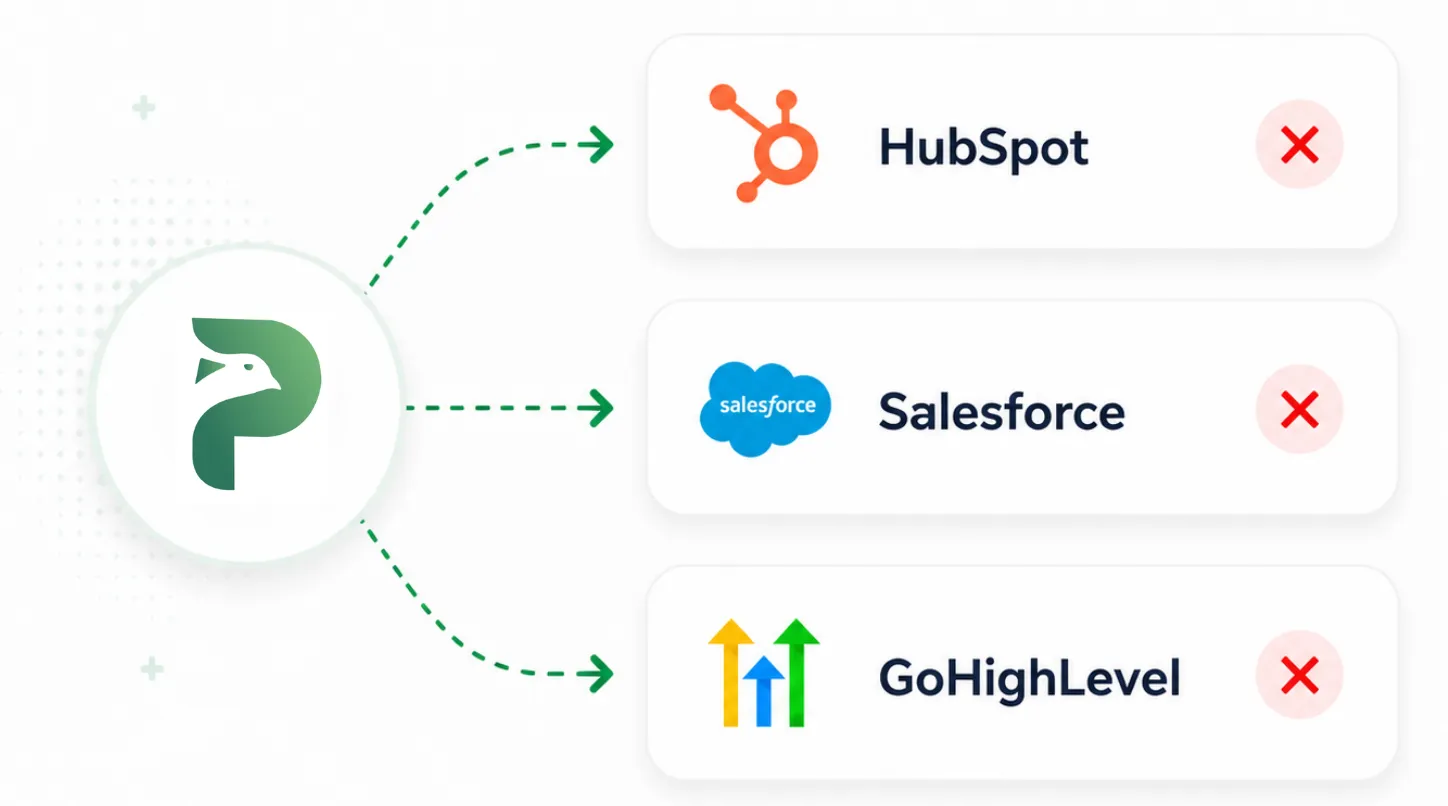
PloverCRM can send middle- and bottom-of-funnel lead data to Meta Pixel, Meta CAPI, and Google Ads enhanced conversions for leads through the API. It can also trigger internal and external emails, update stages, add notes, record activities, and support many more actions that move each lead toward closing.
Industry research shows why fast response, CRM visibility, mobile access, automation, and lead-quality tracking matter after a lead is captured.
Faster follow-up helps teams reach leads while interest is still fresh.
Response speed drops as leads sit without owner, reminder, or next step.
Responding in minutes can protect qualification chances before a lead goes cold.
Organized CRM data makes customer information easier to use.
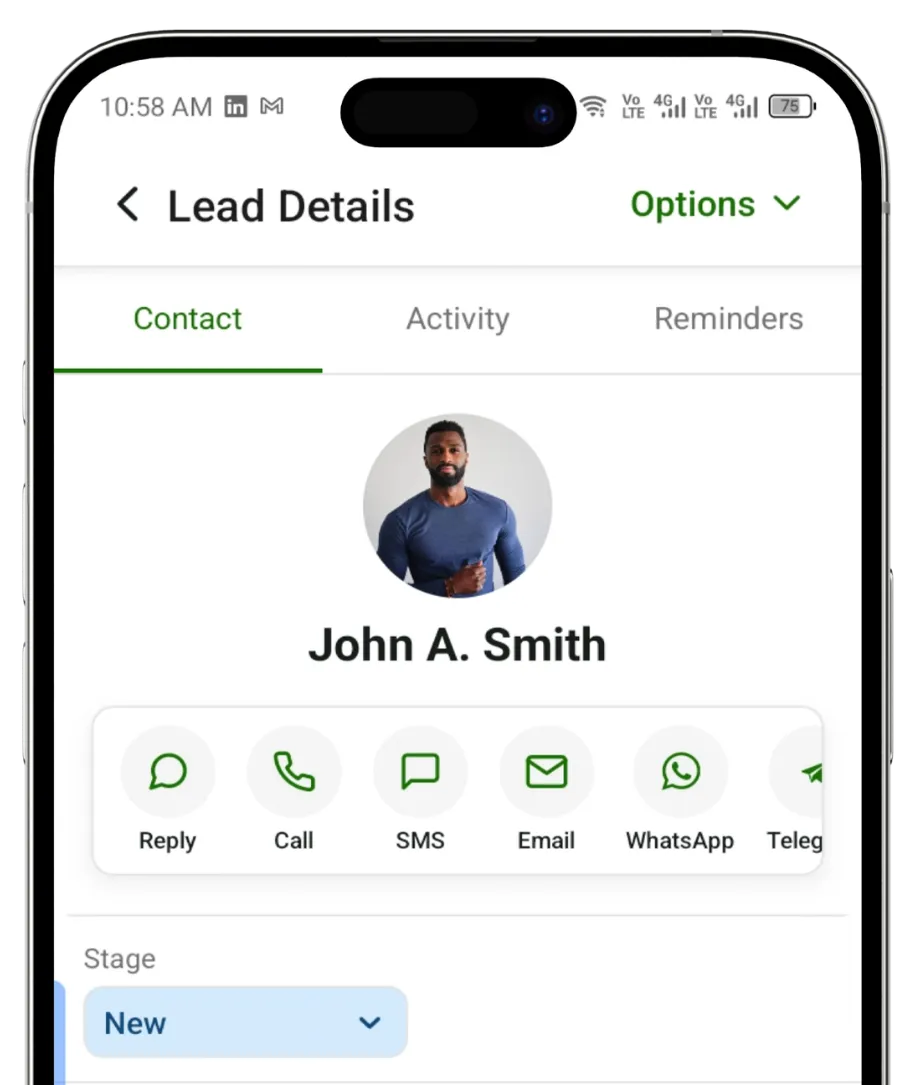
Mobile CRM access keeps lead work moving outside the office.
Automation supports efficient lead and marketing workflows.
Benchmarks are based on public lead-response, CRM, mobile CRM, and marketing research. Product results vary by workflow.
Connect PloverCRM with the forms, ad channels, webhooks, messaging tools, and reporting workflows that already drive your business.
Start 30 Days Free Trial

WordPress


WordPress


PloverCRM captures, enriches, assigns, tracks, reminds, automates, and preserves lead history without turning your WordPress workflow into a heavy CRM project.
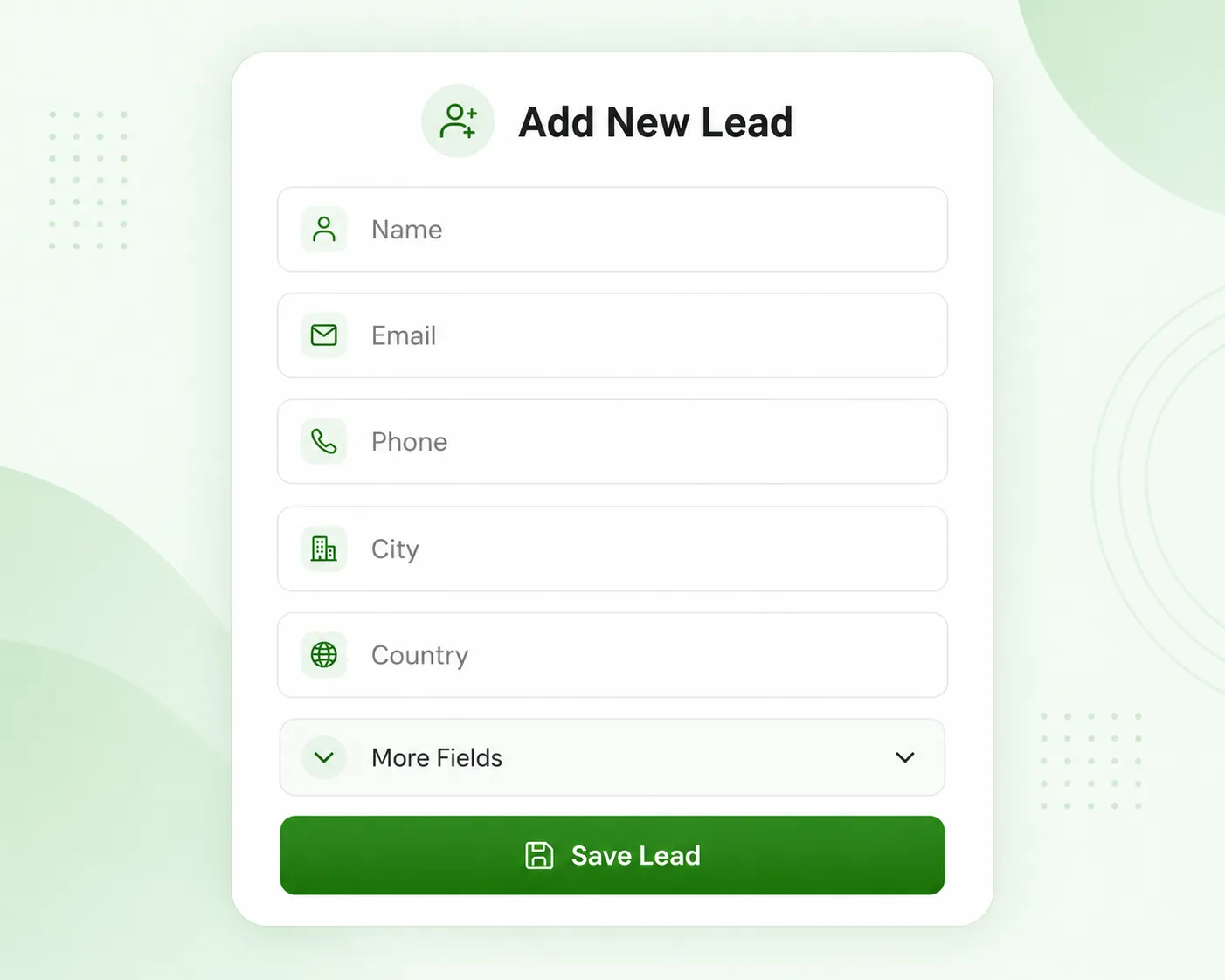
Capture leads from forms, ads, and webhooks, then map every detail into the right CRM field.
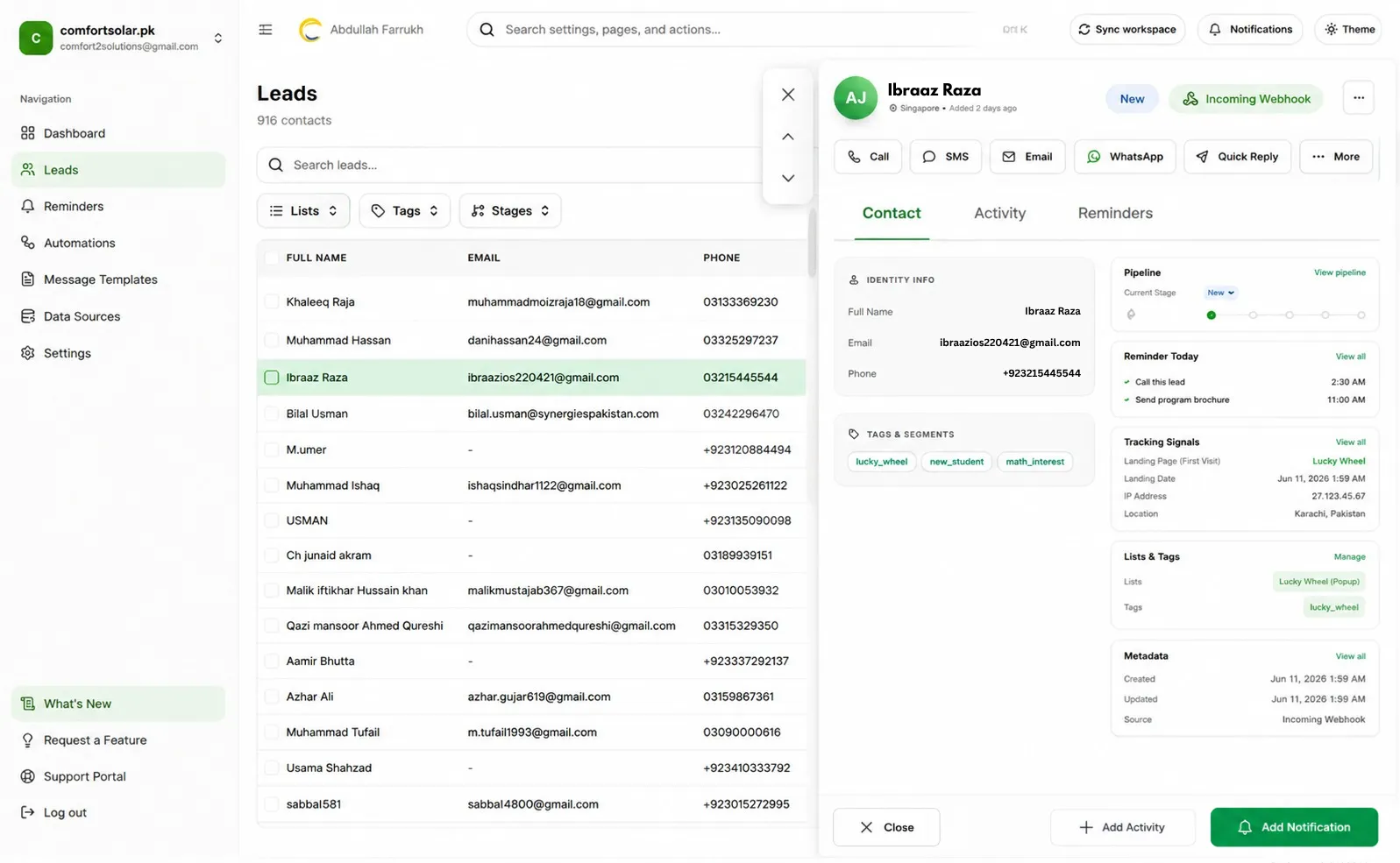
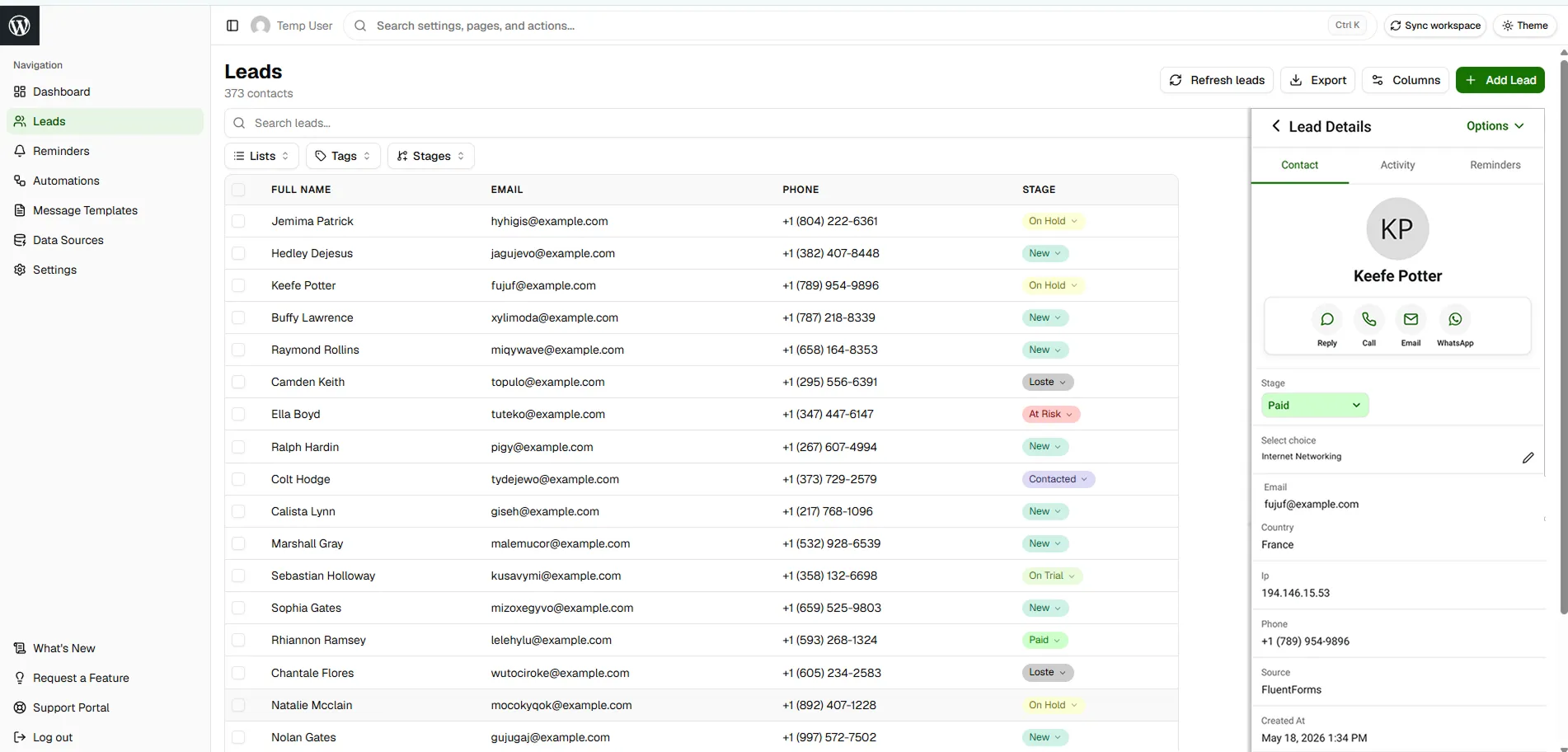
See the source, submitted details, stage, reminder, notes, activity history, and next action in one follow-up-ready record.
View source, contact information, submitted fields, stage, owner, and the next action in one lead record.
Review updates, status changes, messages, call notes, and team comments before the next follow-up.
See past and upcoming reminders so every follow-up stays visible and no lead is forgotten.


Whether you run a business, manage campaigns, handle sales, or build WordPress sites for clients, PloverCRM helps you control what happens after the lead comes in.
PloverCRM helps lead-based businesses organize sources, follow-up reminders, campaign visibility, and mobile access into one workflow.
PloverCRM helped us stop losing solar inquiries after the form submission. Every lead now has a source, owner, reminder, and clear next action.

Managing Director, Comfort Solar
More followed-up inquiries since adopting PloverCRM.
Answer the practical questions buyers ask before replacing spreadsheets, inboxes, or heavy CRM tools.


Without PloverCRM, captured leads stay scattered and follow-up depends on memory. With PloverCRM, every lead has context, history, reminders, and a clear next step.
Quick answers about setup, trial, integrations, workflow, and mobile access.
Yes. You can download the plugin as a 30-day trial after signup.
No credit card is required to start.
The onboarding setup wizard helps you connect your first source in around 2–3 minutes.
Yes. You can try the live demo with sample data before connecting your own website.
PloverCRM is planned around common WordPress form workflows such as Contact Form 7, Fluent Forms, Elementor Forms, WPForms, Gravity Forms, and other supported sources.
No. PloverCRM is designed to work with your existing lead sources instead of forcing you to replace everything.
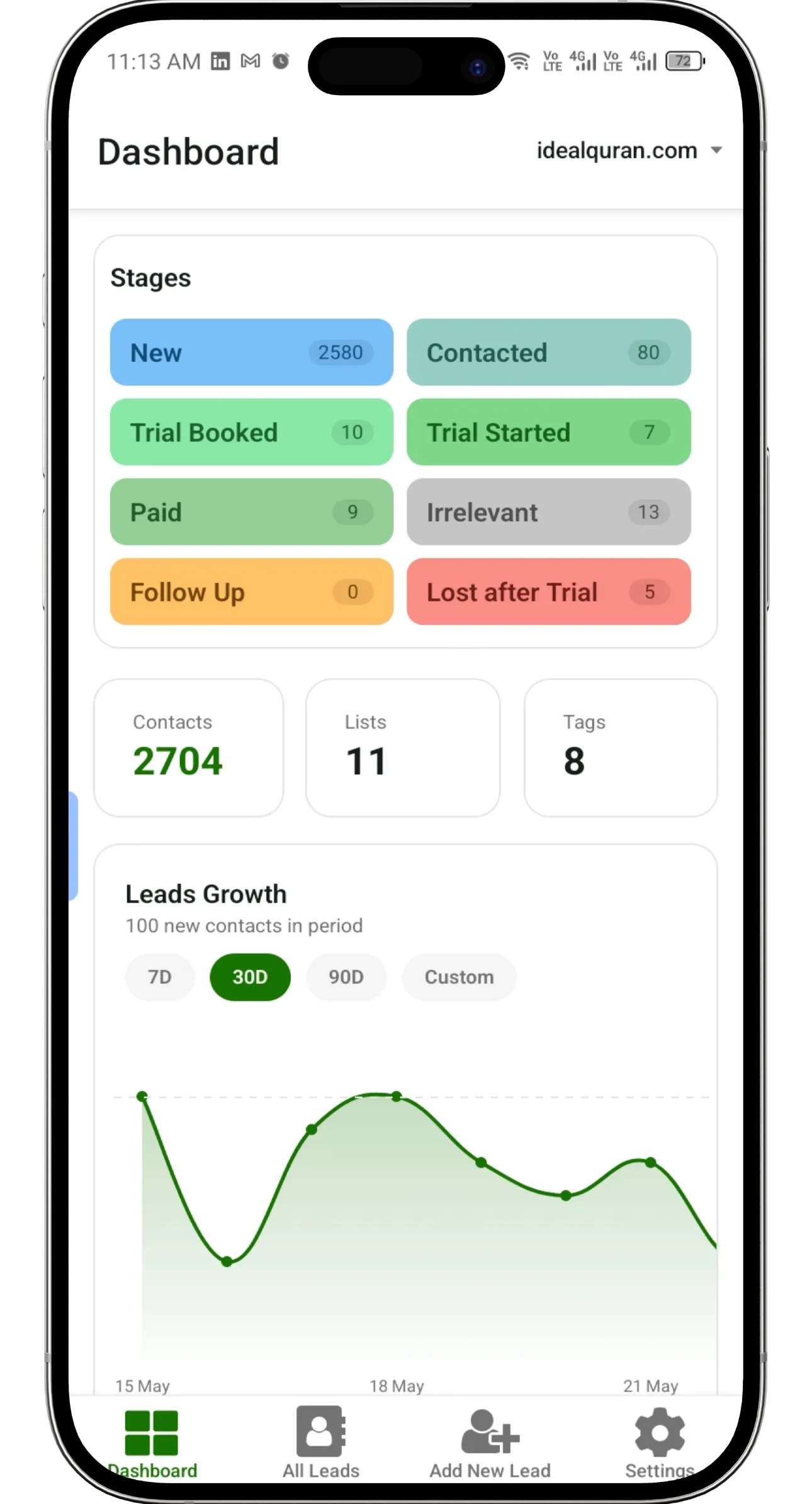
Yes. PloverCRM supports lead access from desktop, iPhone, and Android.
Connect your sources, enrich every record, set reminders, and manage follow-up from one WordPress-first CRM.